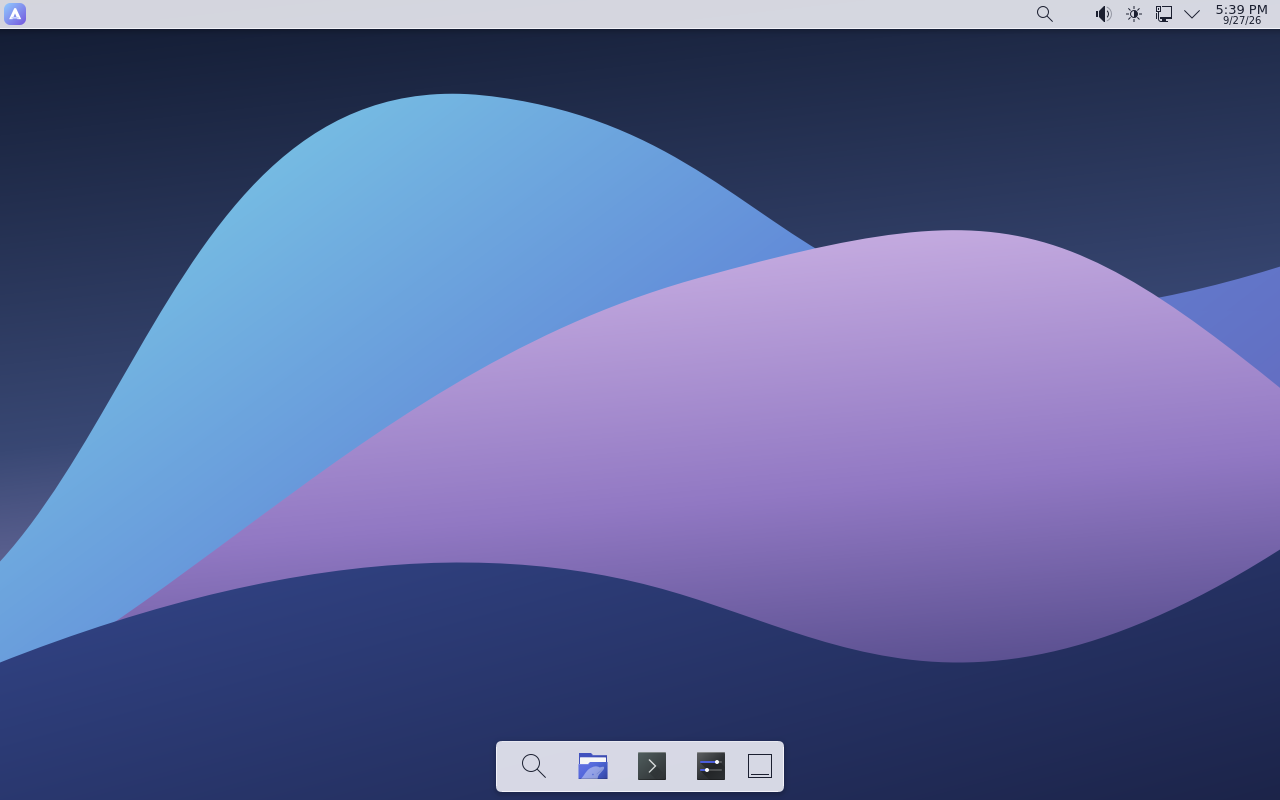
Aether is an independent x86_64 Linux desktop built on KDE Plasma, with a signed UEFI boot chain, LUKS2 encrypted storage and an assistant that runs on your machine.
Every claim here is backed by code and a documented test — and the limits are documented too.
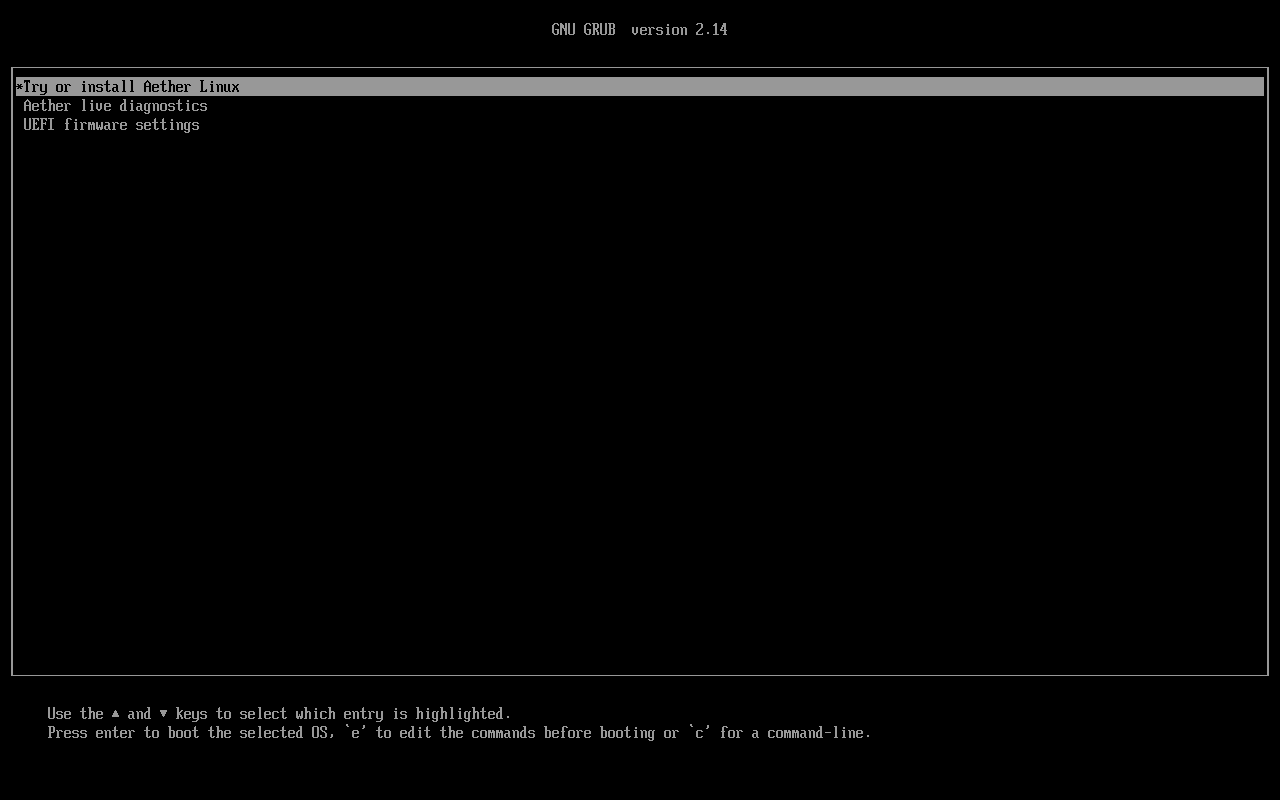
Signed UEFI boot
Firmware verifies a signed shim, shim verifies GRUB, and GRUB launches a signed unified kernel image. Signed live and installed assets passed signature checks; UEFI graphical output is not confirmed for the 2026-11-16 snapshot, and physical firmware is not certified.
Encrypted root storage
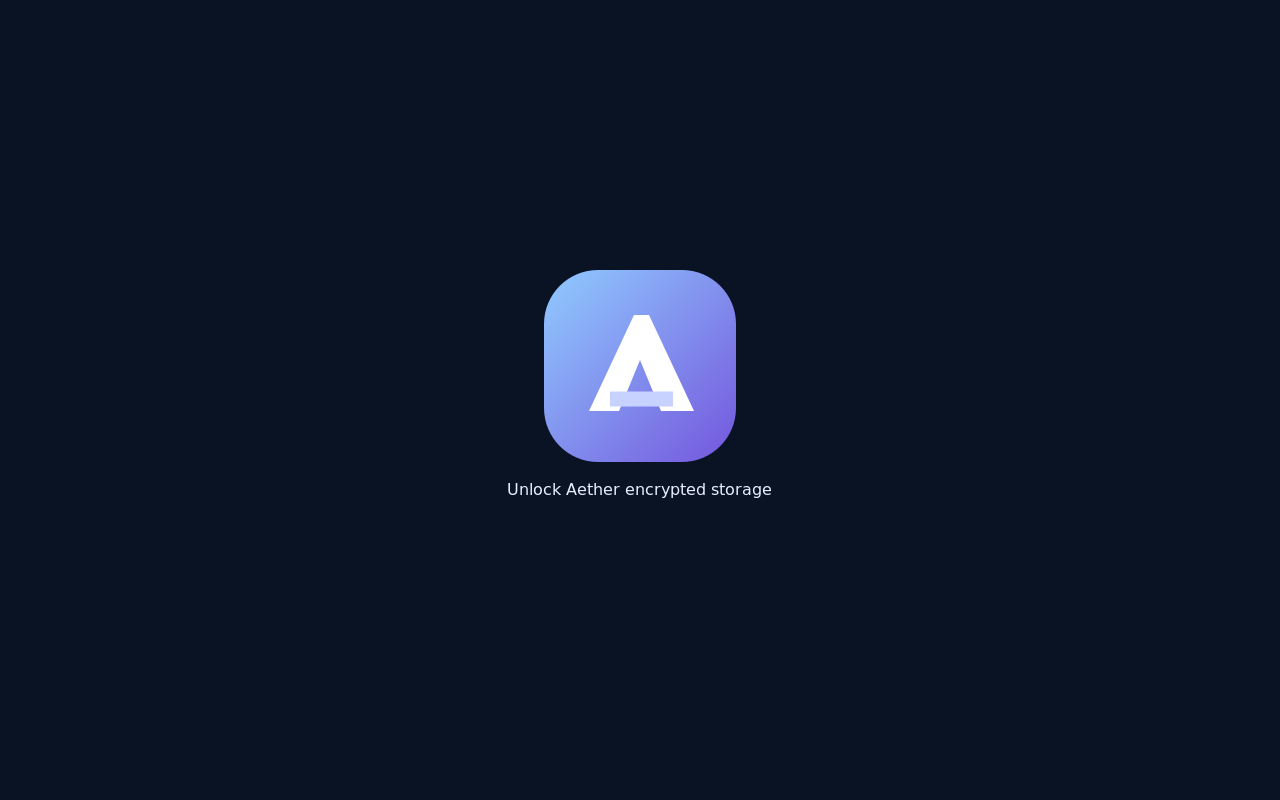
LUKS2 with an optional LVM layout and a separate recovery passphrase. The EFI system partition and /boot remain unencrypted; encrypted /boot needs a boot-chain redesign.
On-device AI
Nimbrel answers locally through a small model. No account, no cloud round-trip, and no pretence that a 0.8B model is an oracle. The interface labels its answers for checking.
A real desktop
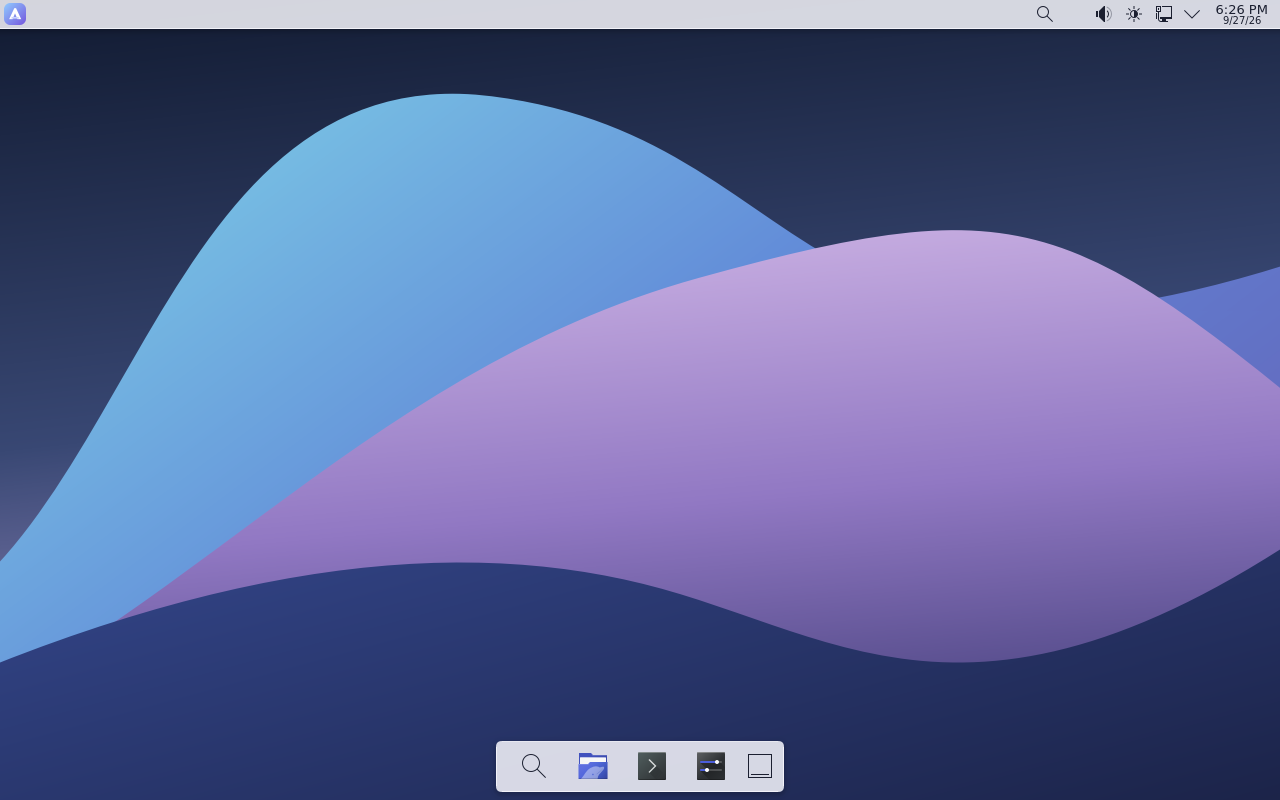
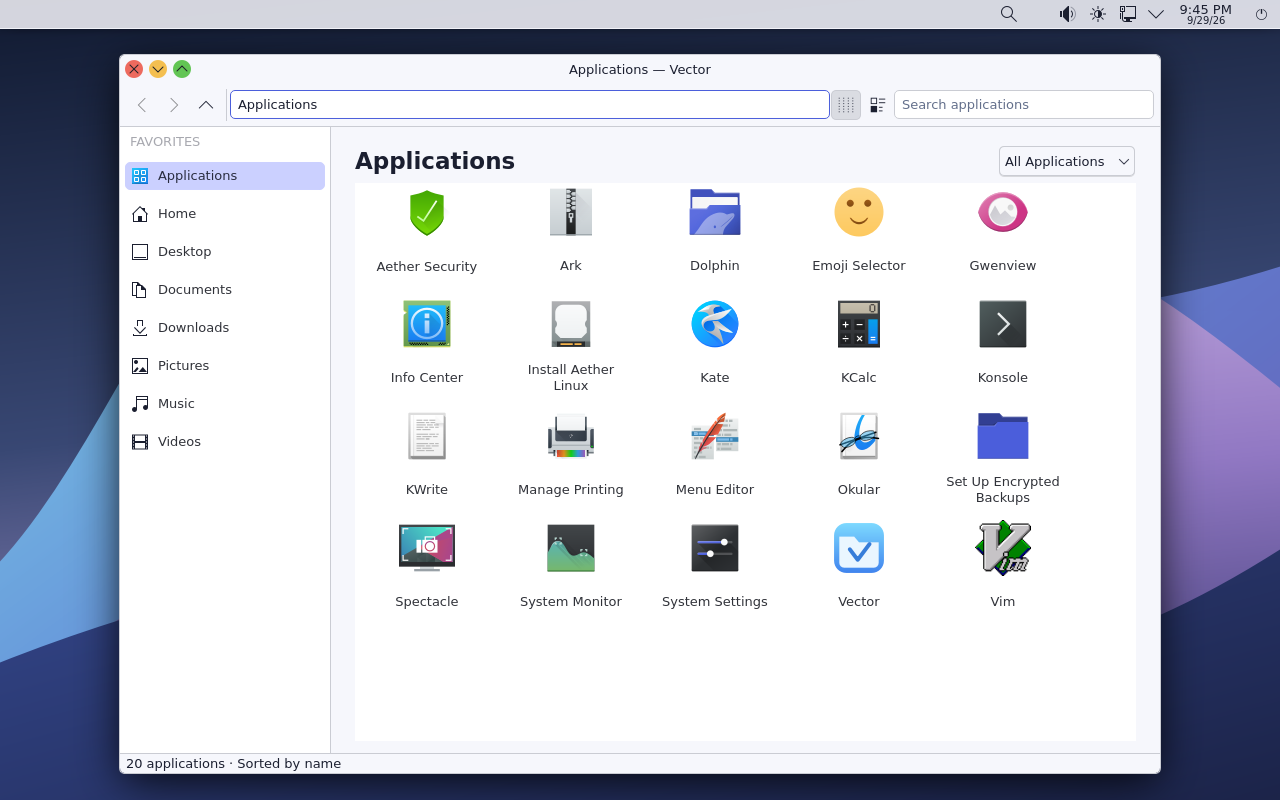
KDE Plasma with Aether’s own theme, layout, AuraSearch launcher, Vector file manager, Settings, lock screen and power flow. Not a shell mock-up.
Built for recovery
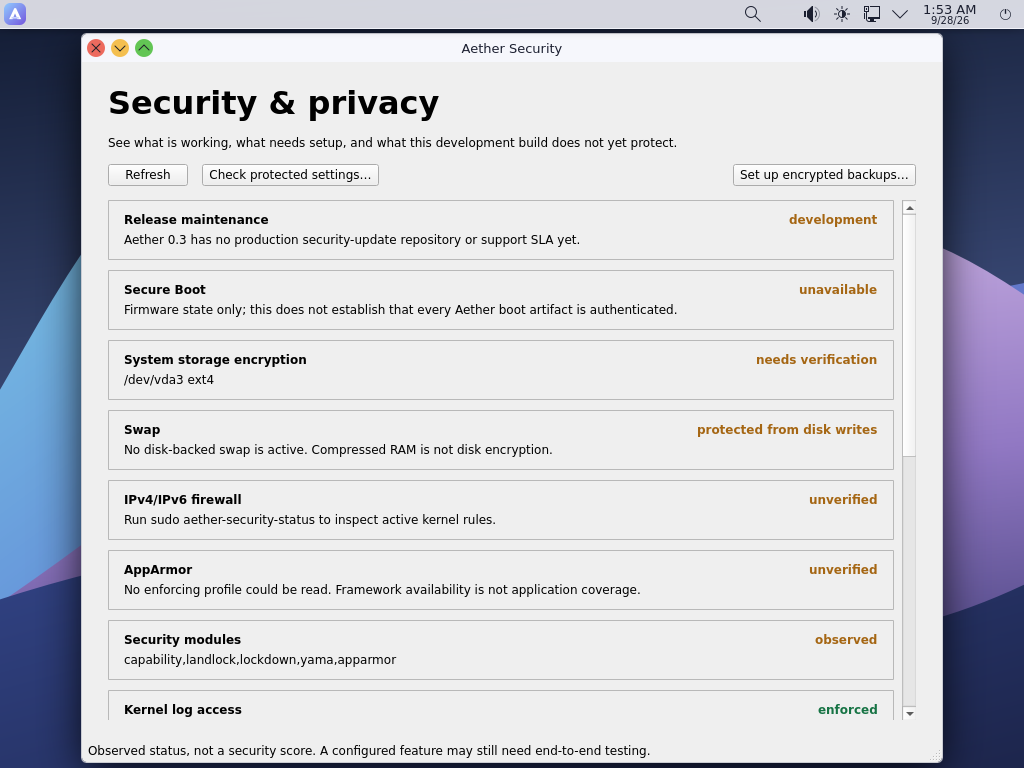
Aether Security Center shows what is protected, unverified and unsupported. Root-readable backups, USB protection and signed update tooling are part of the system, with their own limits stated.
Open source, end to end
GPL-3.0-or-later source, build recipes and verification records live in the repository. The signed public boot assets are included; private signing keys never are.
In use
Ask, search, and move through your desktop.
These are the parts of Aether you touch every day: a local assistant, a launcher that searches more than applications, and a file manager that stays out of the way.
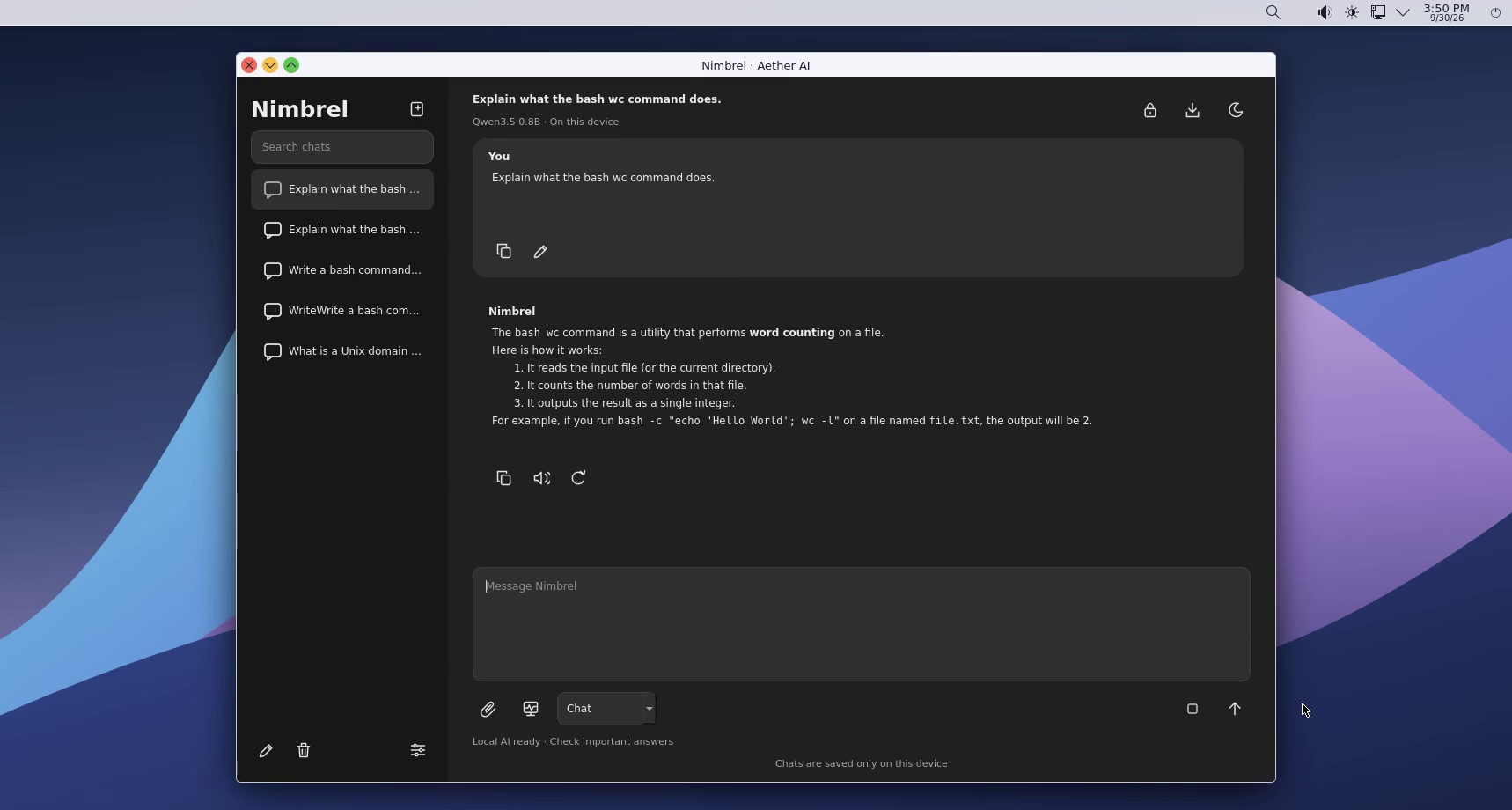
Nimbrel · on-device AI
Ask your machine.
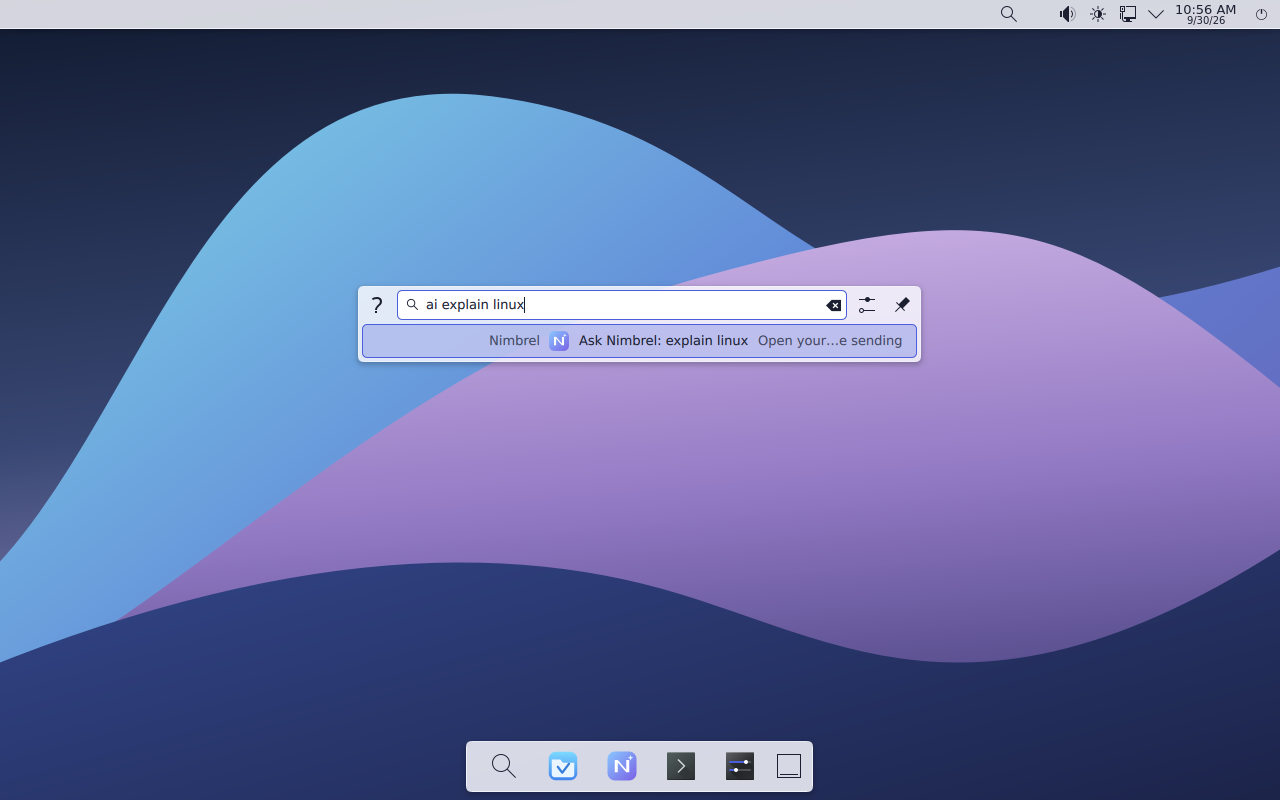
Nimbrel answers locally through a Unix socket. No account, no cloud round-trip, and the interface labels its answers for checking. The model is small, and the page does not pretend otherwise.
AuraSearch · one launcher
Find more than an app.
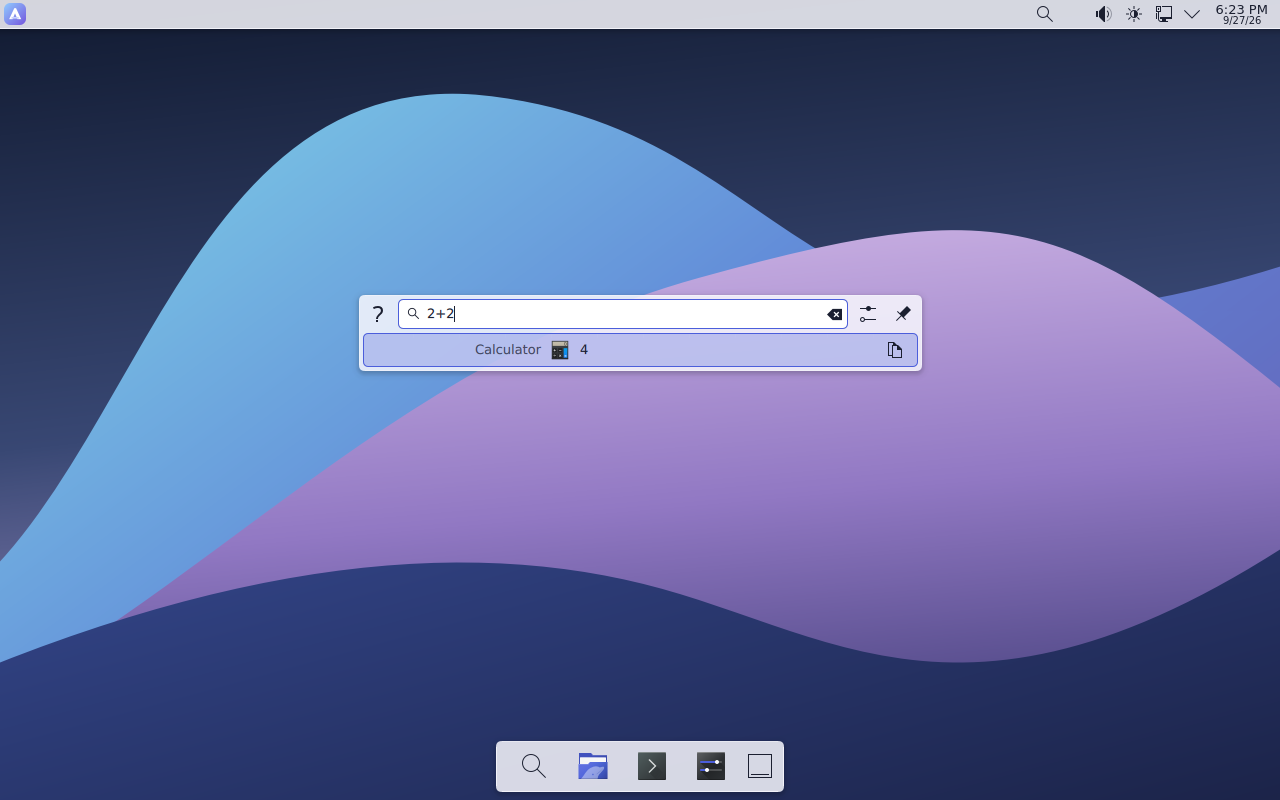
Search applications, files and settings from one place. AuraSearch also handles inline calculations, so a quick sum does not need a separate calculator window.
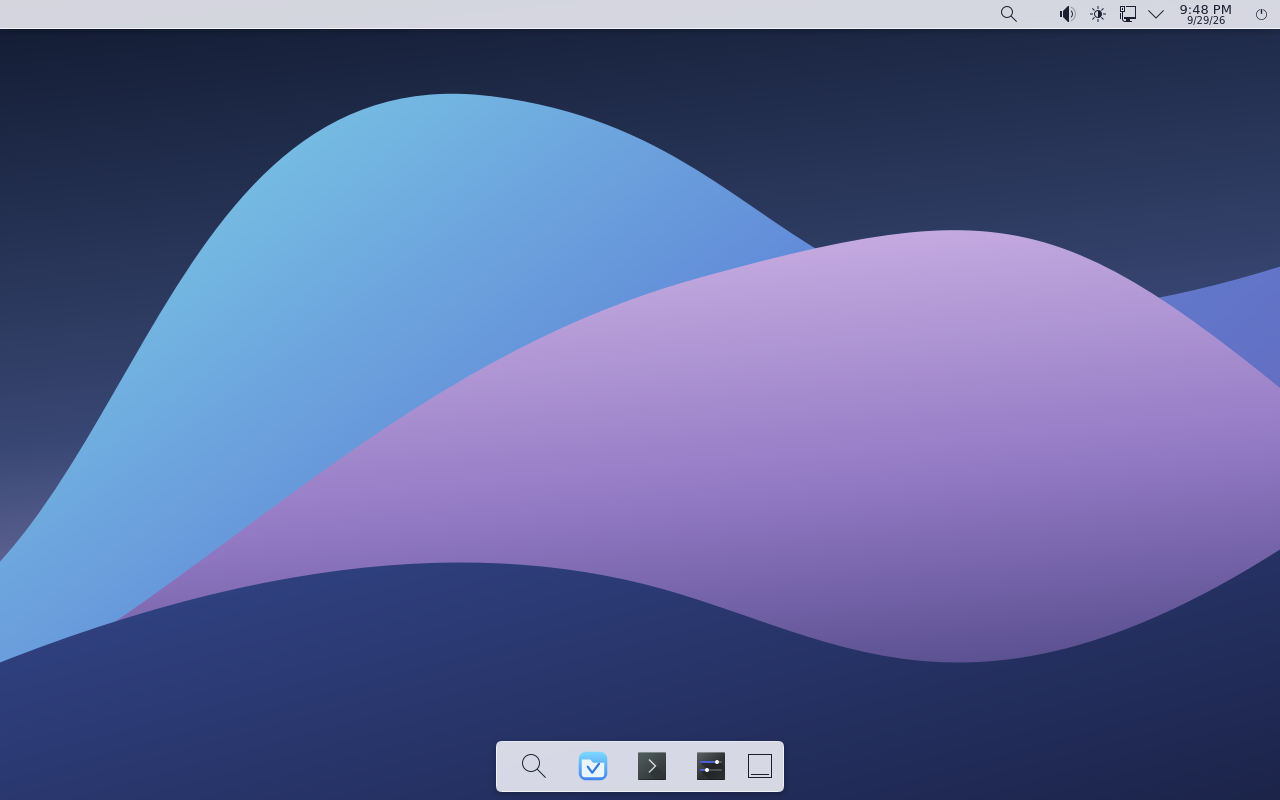
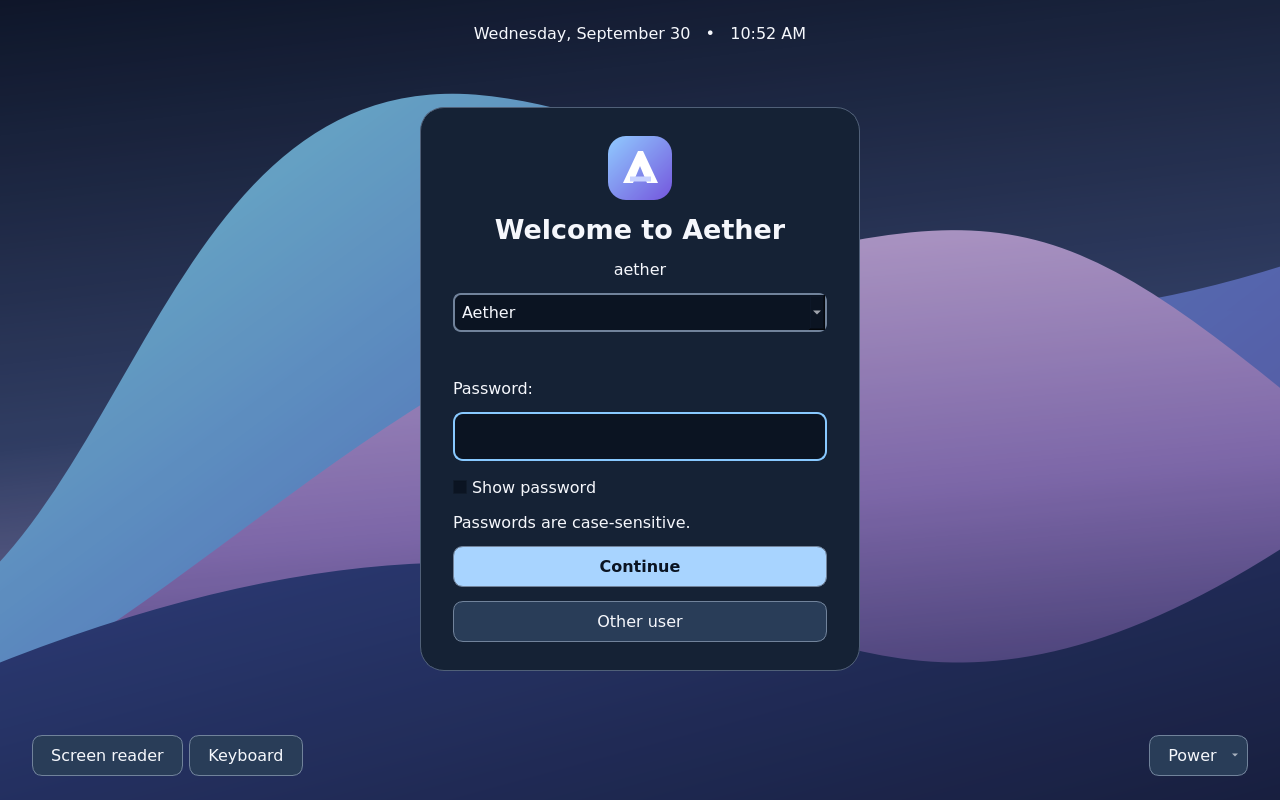
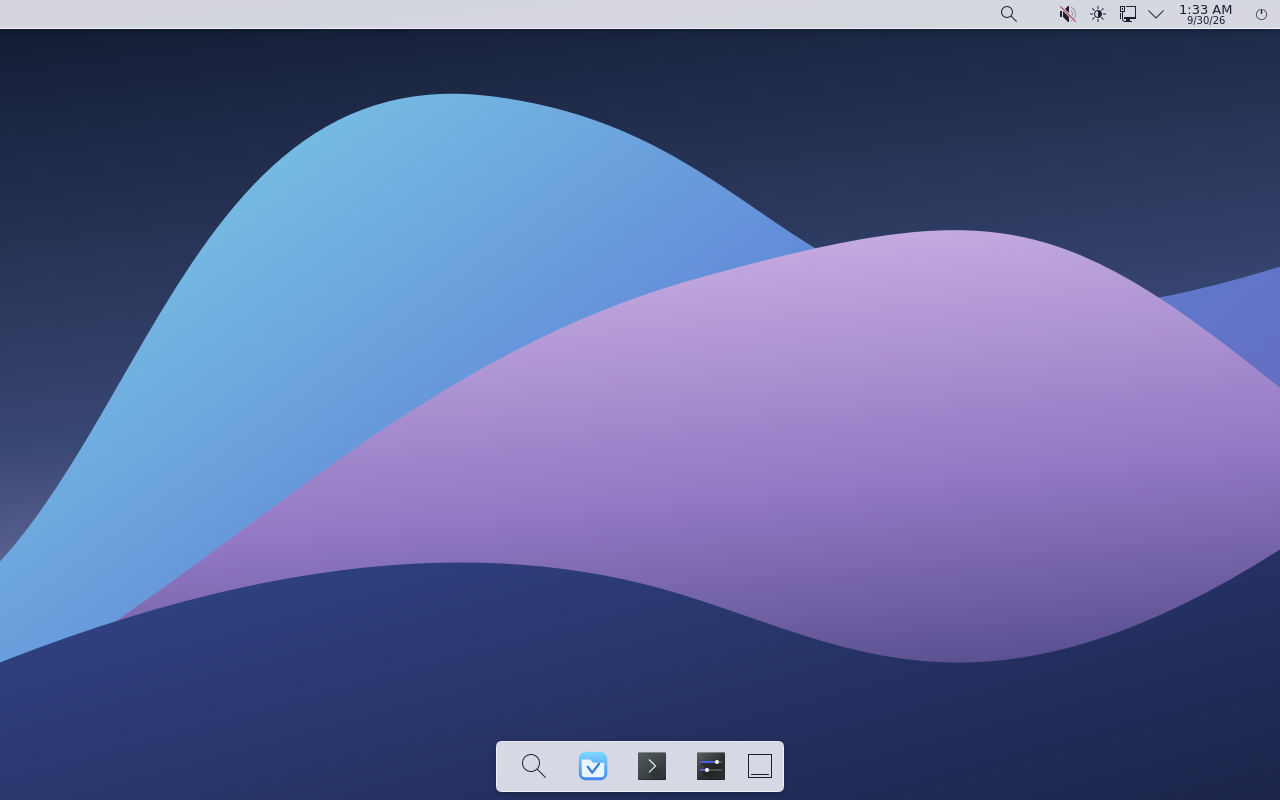
Search results across apps, files and settings.Vector browsing the home directory.Greeter before sign-in, with the password field empty.Panels — the default Aether desktop layout.
Screenshots
Captured from a running Aether VM.
No mockups, no compositing, no staged dialogs. The full gallery and provenance notes are in the repository.
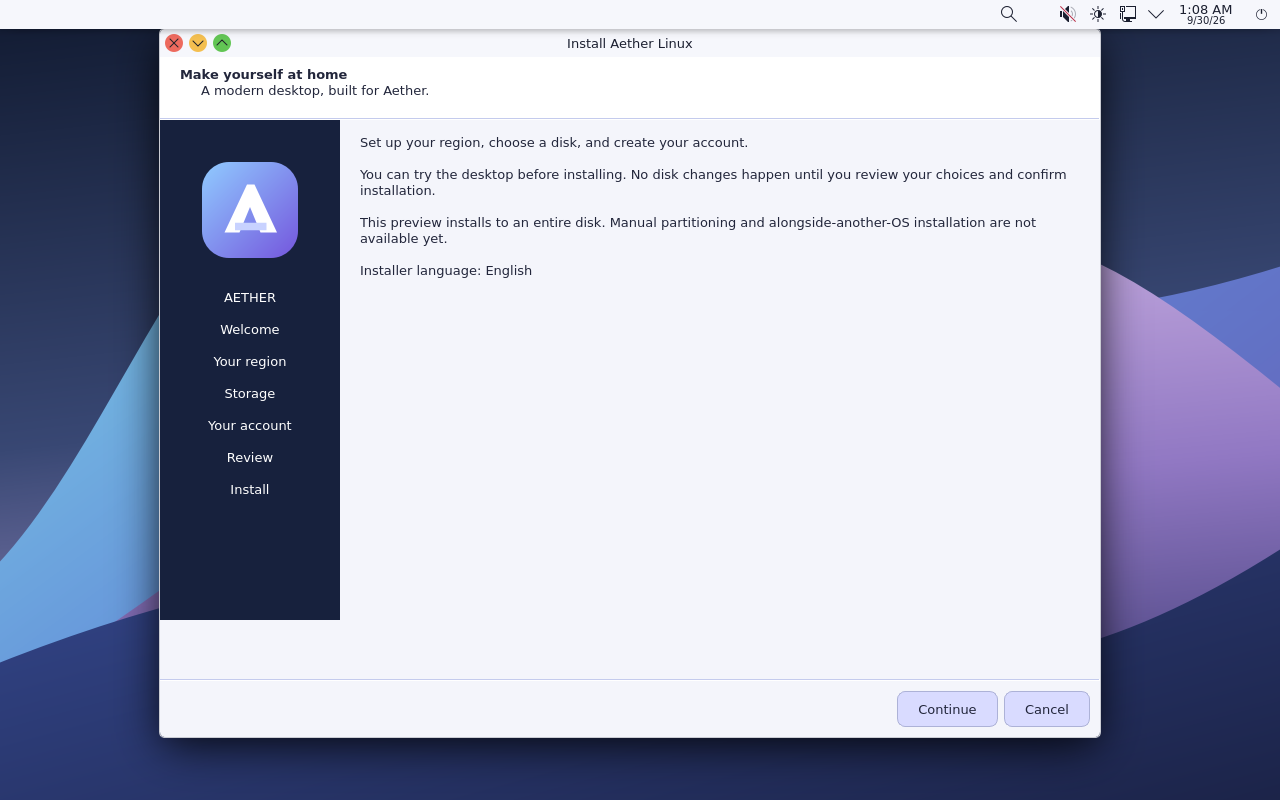
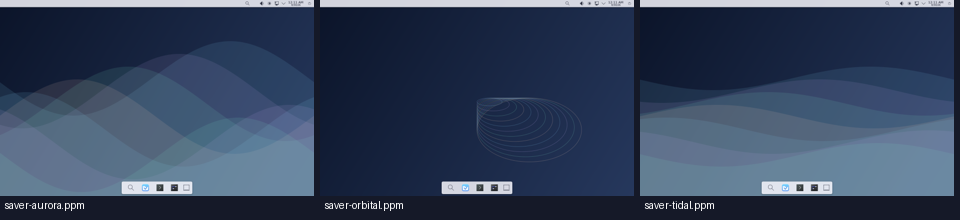
First boot from an installed Aether disk.Security Center — what is protected, and what is not.Encrypted root — the LUKS2 unlock prompt at boot.Installer — the whole-disk limitation is stated up front.Vector — the installed application grid.Boot menu — the signed UEFI path in action.Kate — a familiar editor on the Aether desktop.Screen savers — the built-in previews in Aether Settings.
The installer erases the selected whole disk. Back up anything you care about first. Aether currently requires a 16 GiB disk or larger and supports UEFI and BIOS boot. For this snapshot, use BIOS if the UEFI graphical session is black.
01
Download the ISO
Get the 1.49 GiB image and the matching SHA256SUMS from the release.
02
Check the checksum
Run sha256sum -c SHA256SUMS before writing the image to a USB drive.
03
Boot and install
Use BIOS for this snapshot; UEFI graphical output is unconfirmed. The live session starts the graphical installer; the disk selection and ERASE confirmation are deliberate.